Issue 1: I am seeing the Uh oh! Something went wrong page
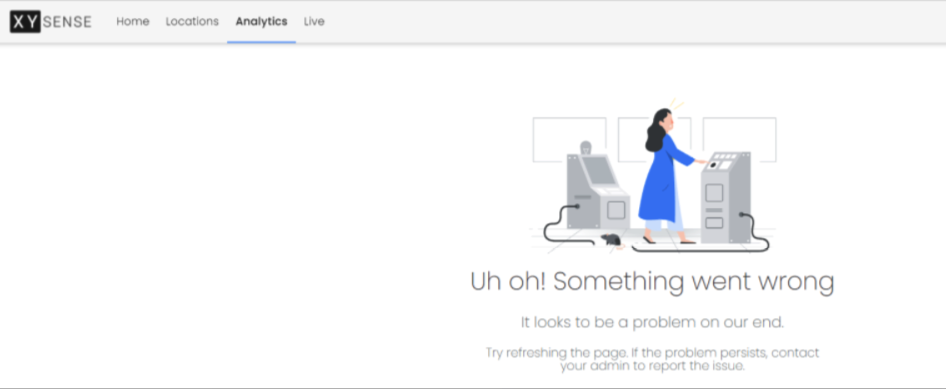
1. Refresh the page multiple times, using ctrl + click refresh
2. Clear Browsing History and caching
3. Refresh the page again
If the issue persists, please send to support@xysense.com:
1. Screenshot of Console Logs - Click Ctrl+shift+I and then screenshot (https://xysense.zendesk.com/hc/en-us/articles/4409162154649-Portal-Issues-Web-Error-Logs)
2. Produce HAR files (https://support.zendesk.com/hc/en-us/articles/4408828867098-Generating-a-HAR-file-for-troubleshooting)
3. If charts or visualisations are urgently requested, please send through metrics for what you are looking for and we can export pdf or image versions for your use
Issue 2: Dashboard is not displaying - "Invalid Filters" or "No Result" warnings
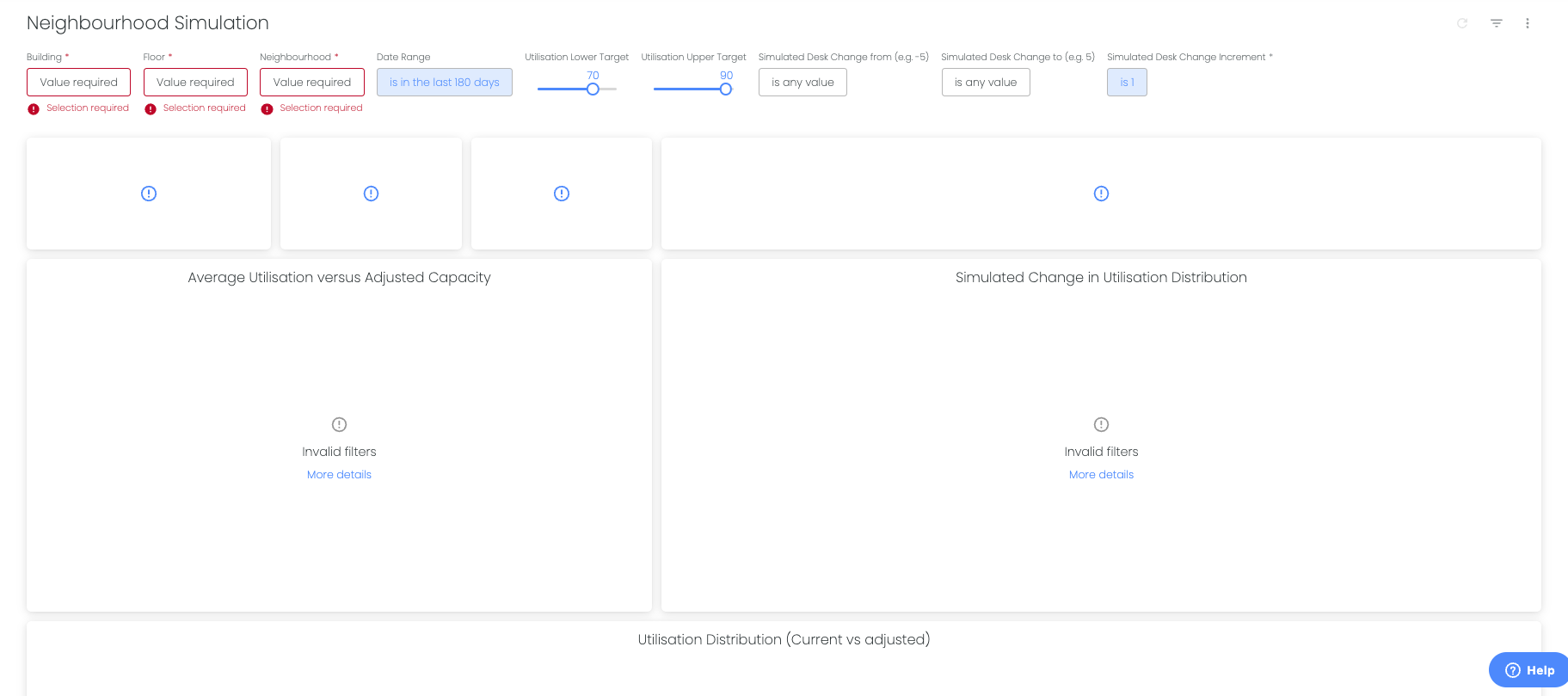
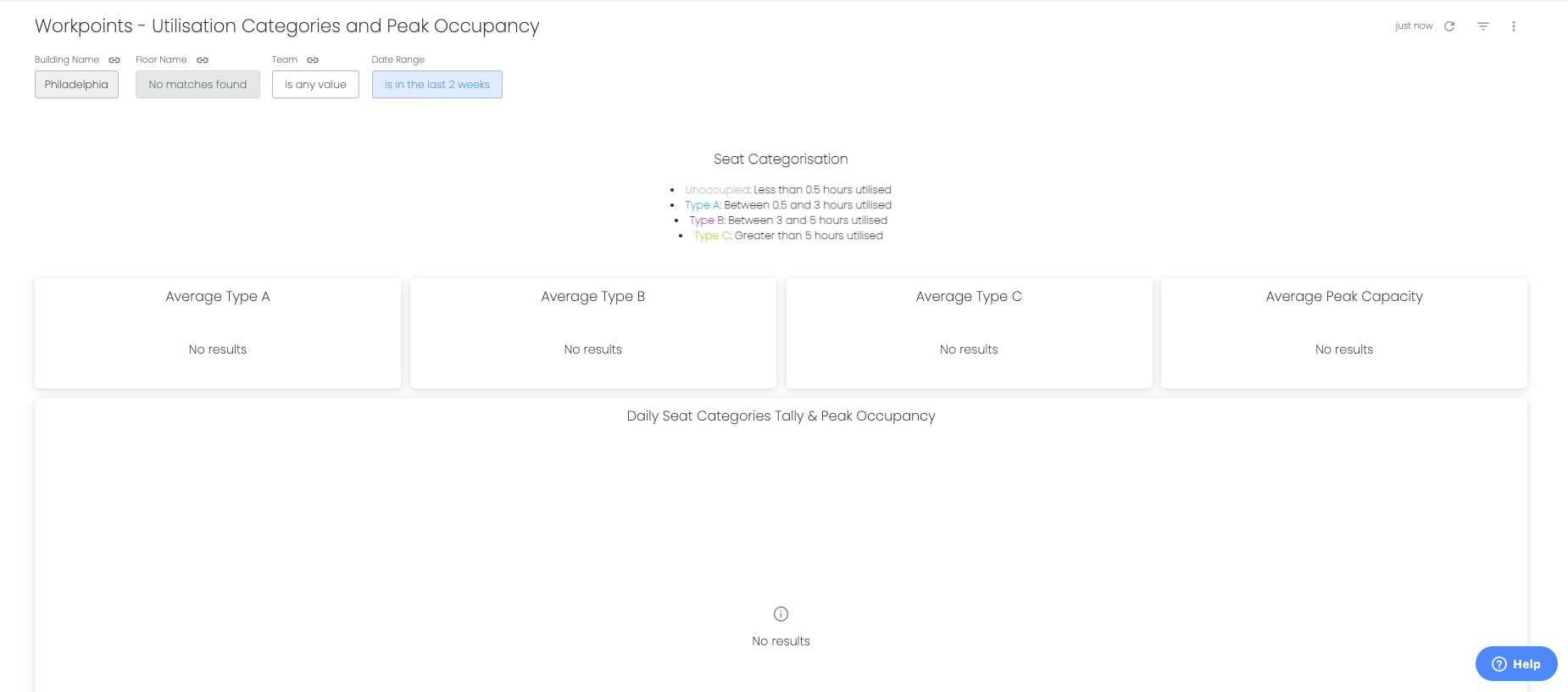
1. Populate filters - the requirement depends on the dashboard - it might be a building, floor or Neighbourhood filter.
2. Click refresh dashboard button on right hand side of filters
Comments
0 comments